Guides · 2026-04-22 · 7 min
Setting Up MY.8KTV on Your Smart TV: The Complete Guide
From Samsung and LG to Fire Stick and Android boxes — here's the fastest path from checkout to your first stream.
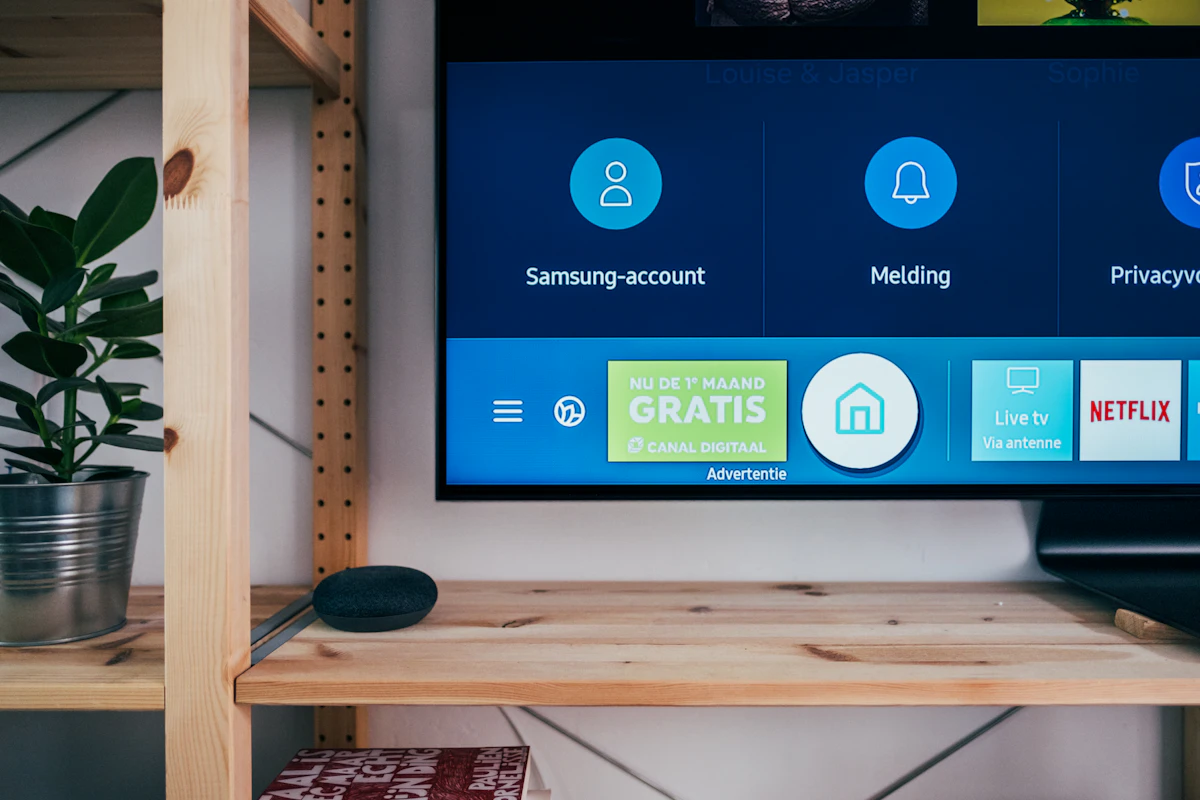
Most people worry setup will be the hard part of switching to IPTV. In practice it's the fastest step in the whole process — most devices are ready to stream within five minutes of your subscription being activated.
For Samsung and LG Smart TVs, install an M3U-compatible player from your TV's app store — we recommend IPTV Smarters or Tivimate. Once installed, open the app and select 'Add playlist via URL,' then paste the M3U link we send you by email or WhatsApp immediately after purchase.
For Amazon Fire TV Stick and Android boxes (including Formuler and MAG devices), the process is nearly identical: install the same app from the relevant app store, add your playlist URL, and the full channel and VOD library loads automatically. No manual channel entry needed.
For Apple TV, iPad and iPhone, we recommend the GSE Smart IPTV app, available directly from the App Store. The setup flow is the same — one playlist URL and you're in.
If you're not confident configuring anything yourself, our WhatsApp support team will do it with you live, screen-share if needed, and most accounts are fully working within 2–5 minutes of your first message to us.