Guides · 2025-12-30 · 15 min
IPTV Smarters Pro Lite: what this version is for and how to set it up properly
IPTV Smarters Pro Lite is a lightweight version of the world's most-used IPTV app. Here are its differences from the standard version, and how to set it up easily with a MY.8KTV subscription.
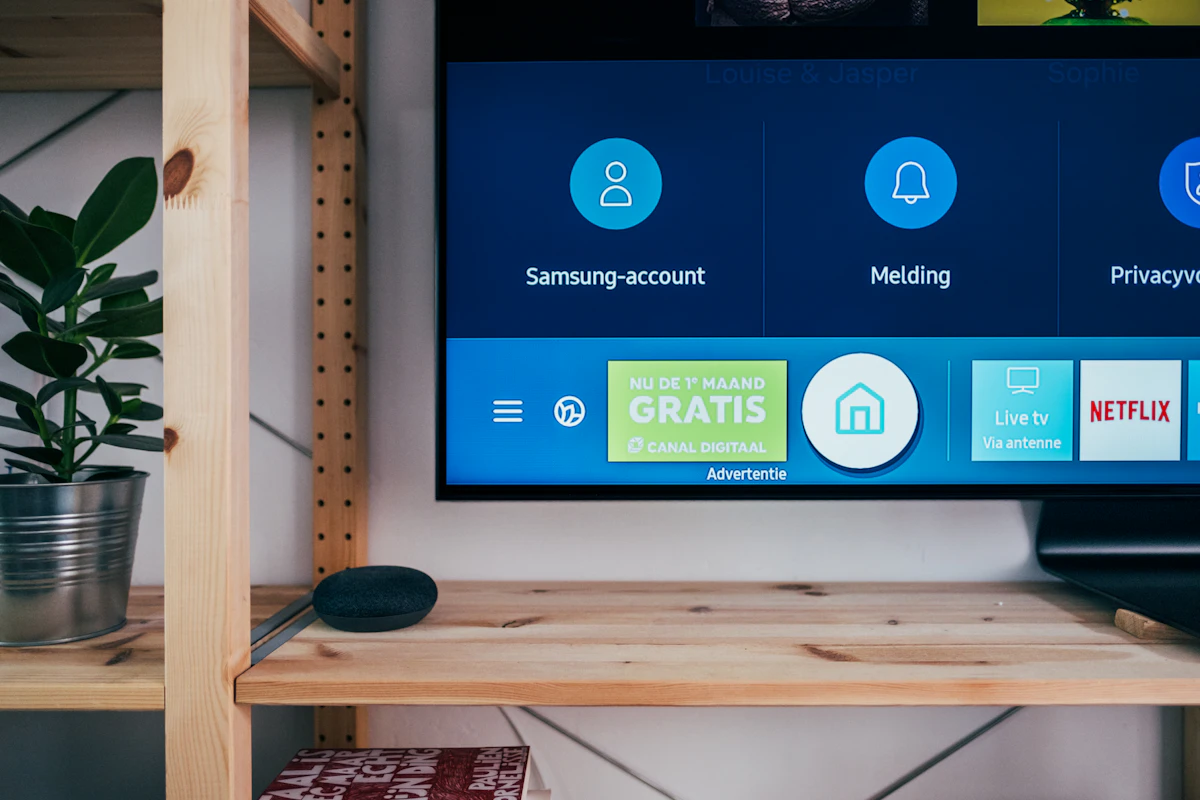
IPTV Smarters Pro Lite is a simplified version of the IPTV Smarters Pro app, designed for less powerful devices like older Android boxes, entry-level Smart TVs or first-generation Fire TV Sticks, as well as for users who want a lighter interface that loads faster without unnecessary frills. Many people type "iptv smarters pro lite" wondering whether this version is enough for full daily use, particularly with a content-rich subscription like the one from MY.8KTV. The answer is yes: the Lite version keeps the essentials needed to enjoy live channels and the VOD catalogue in good conditions, while consuming considerably less processor power and RAM than the full version.
The main difference between the two versions lies in the graphical interface and certain advanced features, such as managing multiple profiles for different household members, some fine video-caching settings, or customised display options for the channel grids. For classic family use with MY.8KTV, the Lite version works perfectly well, particularly on entry-level Android boxes bought several years ago or slightly older televisions where smoothness of navigation often matters more day to day than advanced options rarely used by most households.
Once the app is installed from your device's official store — Google Play Store on Android, the proprietary app store on Samsung or LG Smart TVs — the setup remains identical to the standard version: you just add the M3U playlist supplied by MY.8KTV after purchasing the subscription, via the "Add playlist by URL" option generally present on the app's very first screen. In just a few seconds, the entire catalogue of channels and VOD loads automatically, sorted by country and by theme, with no channel-by-channel manual configuration that would otherwise take hours.
Once the app is in place, many users also search for "iptv remote", that is, how to use their remote effectively — whether the TV's, the box's or a universal remote — to navigate comfortably within the app. Most modern IPTV apps, including IPTV Smarters Pro Lite, are designed to be driven entirely by remote, with navigation by clear categories, quick access to favourite channels you can pin to the top of the list, and a search function by channel or programme name — particularly handy for quickly finding a specific channel in the vast catalogue offered by MY.8KTV without scrolling through hundreds of options one by one.
Another subject that comes up often is "iptv telegram 2025", referring to the Telegram groups that sometimes offer cheap or even free IPTV codes, often accompanied by flattering screenshots meant to prove the service's quality. You should stay particularly cautious with this kind of informal sales channel: no guarantee of longevity once payment is made, no identifiable customer support if it cuts out, and a real risk of receiving access already shared by dozens of other anonymous users, which strongly degrades broadcast quality from the very first days. Going through an official site like MY.8KTV removes this risk: every subscription is individual, secure, and followed by a real support team reachable at any time.
Then comes "iptv freeview", a search that often reflects the wish to find the big UK terrestrial channels — BBC One, BBC Two, ITV1, Channel 4, Channel 5, plus the digital channels — within a broader IPTV subscription that also covers international content. That's exactly what MY.8KTV offers: the major UK national channels are built into the catalogue natively, alongside international, sports and themed channels, in one and the same app, with no need to keep an aerial or a separate Freeview box that clutters the TV unit and complicates the cabling behind the television.
On the practical level, whether you use the Lite version or the standard version of IPTV Smarters Pro, the perceived broadcast quality depends mostly on the quality of the server that actually feeds the app, not on the app itself, which is ultimately just a display window. That's where MY.8KTV makes all the difference: a relay infrastructure spread across several major European cities guarantees comparable stability, whether you have an old Android box bought five years ago or a brand-new 8K Smart TV fresh out of the box.
It's also worth noting that the Lite version consumes less storage on the device, which can make a real difference on older Android boxes with little internal memory available, often already cluttered by other apps installed over the years. This technical lightness, combined with the richness of the MY.8KTV catalogue, lets you give a second life to older hardware without having to invest immediately in a new box.
In short, IPTV Smarters Pro Lite is an excellent choice for more modest devices, provided it's paired with a reliable service behind it. Set up your playlist quickly with MY.8KTV, enjoy the UK Freeview channels via MY.8KTV, navigate easily by remote thanks to the ergonomics designed by MY.8KTV, and avoid the nasty surprises of unofficial sales channels by going directly through MY.8KTV.
For a reliable subscription compatible with both IPTV Smarters Pro Lite and the standard version, head directly to MY.8KTV. Detailed installation guides by device type are also available on Instagram @MY.8KTV.